React Page Not Indexed? How to Check Google’s Rendering
Troubleshoot a React page missing from Google. Compare its HTTP response, Google’s rendered HTML, and the indexed URL using a real deDevze audit.
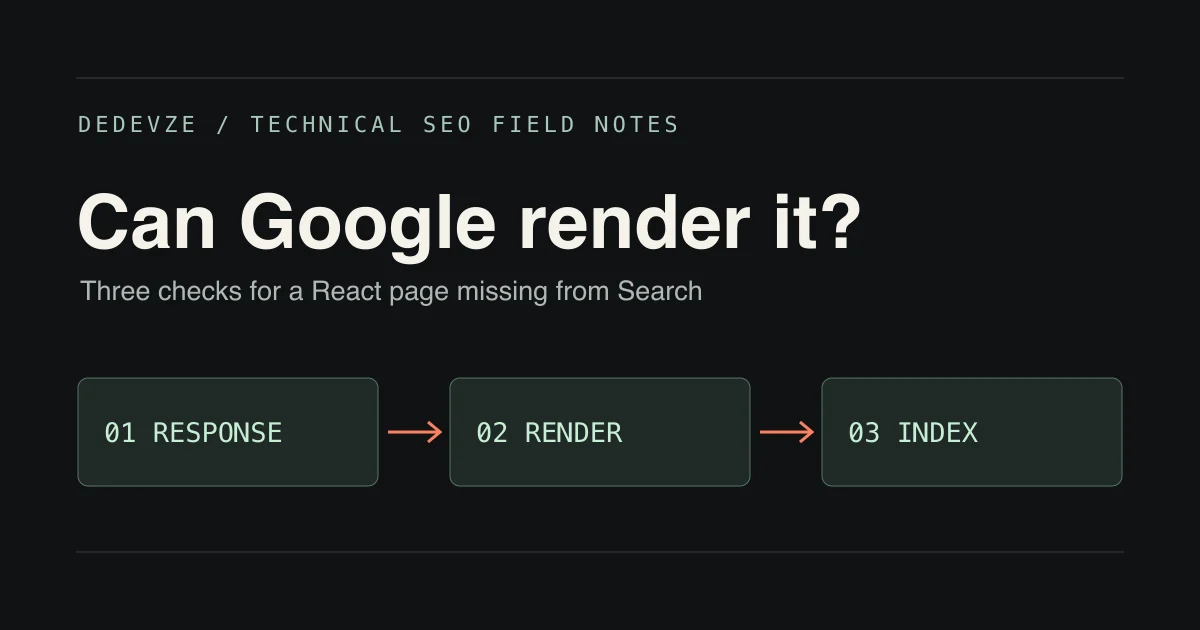
A React page can look right in your browser and still give Google little useful content to work with. If a URL is missing from Search, check three things in order: what the server returns, what Google renders, and what Google has indexed. Each test answers a different question.
A real example from deDevze
In our November 9, 2026 site audit, the homepage and a proposed web development URL each returned HTTP 200. Both responses were the same 4,715-byte HTML file, with an empty React root and no page-specific canonical in the response. The status code alone made those URLs look healthy. Comparing the bodies showed that the server was delivering the same application shell for both.
That finding told us what to test next. In a separate Search Console live test earlier that month, Google’s mobile screenshot showed the homepage loader. When a screenshot shows a loader, check the tested HTML to see whether the main content is already present behind it.
1. Inspect the HTTP response
Fetch an important URL directly. Choose a detail page whose title, main heading and primary content should differ from the homepage.
curl -sS -L -D headers.txt -o page.html 'https://example.com/services/web-development'
Open headers.txt and page.html. Check the final HTTP status, any X-Robots-Tag, and whether the source has the correct title, canonical, heading and ordinary links. Repeat for the homepage and compare the results.
If the source contains only a root element and scripts, the page depends on JavaScript for its content. Google can execute JavaScript, so continue to the rendering check. Also fetch a made-up URL. If it returns a 200 and displays a not-found page, configure the host to return a real 404 for missing routes.
2. Test what Google renders
In Search Console, inspect the exact production URL and choose Test live URL. In the tested page, inspect both the HTML and screenshot. Search the HTML for a sentence unique to that page. Check the resources and JavaScript output if it is missing.
A blank screenshot can be caused by a loader covering text already present in the HTML. Missing text in both views points to a different problem, such as a blocked script, a failed data request or content that only loads after a click. Fix the specific dependency before changing frameworks. Google’s JavaScript SEO guide
3. Compare the live test with the indexed version
Switch back to the indexed result in URL Inspection. Check the last crawl date, indexing status and Google-selected canonical when available. The indexed result can reflect an earlier crawl. A passing live test shows what Google can access now. Check the indexed result for Google’s actual canonical selection. URL Inspection documentation
| What you find | What to do next |
|---|---|
| HTTP 200, but the response is the same shell as every other route | Check the rendered page, then consider shipping route-specific HTML for important pages. |
| Rendered HTML is missing the main text | Find the blocked script, failed data request or interaction that gates the content. |
| Live test renders correctly, but the indexed result is older | Compare crawl and release dates. Request indexing after verifying the live fix. |
| Google selects a different canonical | Check duplicate content, redirects, canonical tags, internal links and sitemap consistency. |
| The page is indexed but gets few relevant impressions | Review the page’s search intent and content before doing more rendering work. |
What we changed in the release preview
For a site with a finite set of public articles and service pages, we chose build-time prerendering. The preview serves unique HTML for each public route and generates the sitemap from those routes. We tested the canonical, main heading, internal links and 404 handling on the build. We can measure changes in search visibility after deploying and allowing time for Google to recrawl.
For a marketing site, start with one valuable page and verify the smallest fix that gives readers and crawlers its content reliably. For more options, read our React SEO guide. If you need help comparing response HTML, Google’s rendered view and index coverage, see our technical SEO audit service.